Set the places that matter, understand what you see, and share useful alerts—without getting pulled into the noise.


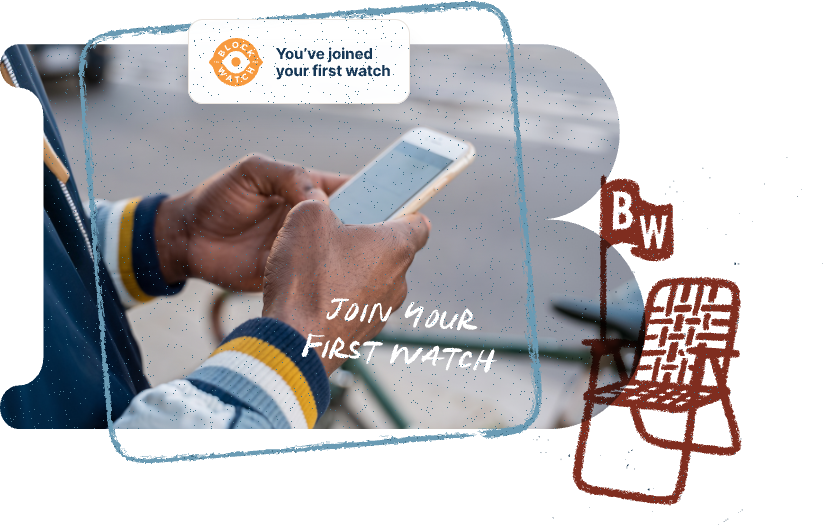

Begin with one primary watch area—your home, workplace, school, daycare, or a family member’s neighborhood.
Tap an alert to learn what was reported and where it happened. Avoid affected areas until the situation has cleared.
The signature owl hoot means a new alert has been posted in one of your watched areas. No hoot? That’s a good thing.
Once you are out of harm’s way, choose the right alert type and post from your location or enter the relevant address. Your identity and exact location stay private.
The signature owl hoot means a new alert has been posted in one of your watched areas. No hoot? That’s a good thing.
At a shopping center, event, school, church, or unfamiliar neighborhood? Use Near Me or Watch This Area without changing your permanent areas.
When you create or receive an alert, take care of yourself first—then help keep your community informed.
Move out of harm’s way before opening the app or posting. Your wellbeing always comes first.
If there is an immediate danger or emergency, contact local emergency services and report the incident.
Open Block Watch to create a post—or validate a neighbor’s post—so others nearby can make informed choices.
Remember: Block Watch helps you stay informed—but your physical safety always comes before any action in the app.

Help your community without exposing who or exactly where you are.

Quick, calm updates for every area you're watching.

Detailed local safety reports, powered by Crimeometer, when you want the full picture.

No noisy social feed, unrelated conversation, or pressure to capture content.

Download BlockWatch and set up your first watch area today.